Product Updates
WhatsApp Personal Voice Calls Are Here
Build automated WhatsApp voice-call workflows, speak with text or audio, and connect incoming calls to an ElevenLabs voice agent.
DDewa Nanda
July 24, 2026 4 min read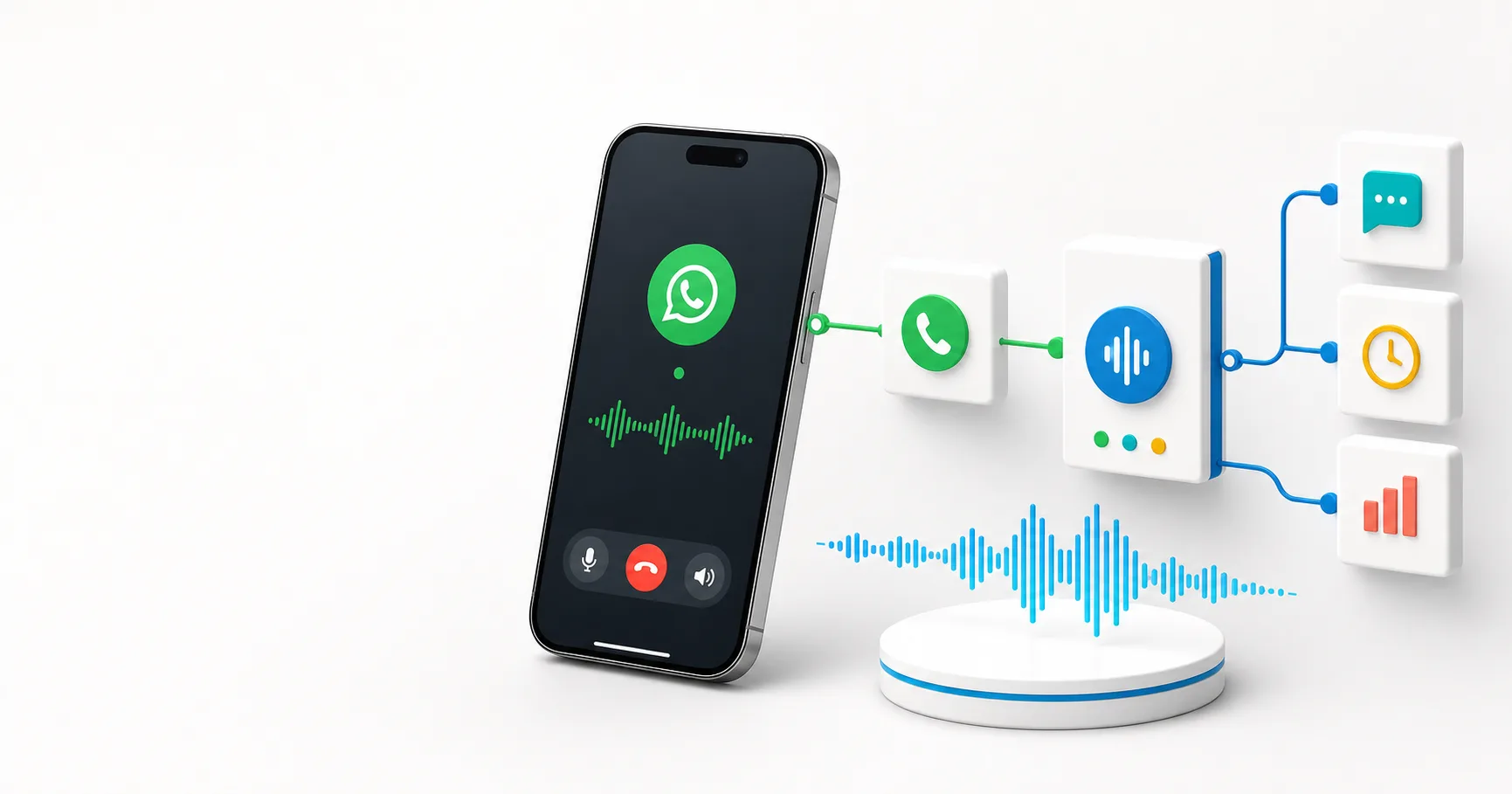
Build automated WhatsApp voice-call workflows, speak with text or audio, and connect incoming calls to an ElevenLabs voice agent.
WhatsApp automation is no longer limited to messages. The new WhatsApp Personal calling actions in Impresiv AI let your workflows make, answer, and manage voice calls using the same visual builder you already use for messages and business processes.
You can speak generated text, play an audio file, or connect a live call to an ElevenLabs conversational agent. Incoming calls can also trigger a workflow, giving your AI agent the context and tools it needs before it answers.
WhatsApp voice calling is currently experimental. Test your workflow with a connected device before using it for customer-facing calls.
The WhatsApp Personal node now supports:
Call results can include the call ID, duration, completion state, who ended the call, ElevenLabs conversation ID, and conversation transcript. These outputs can be passed into later nodes for logging, follow-up messages, CRM updates, summaries, and routing.
The simplest incoming voice-agent workflow uses two nodes:
The action should run directly after the trigger because the call must still be ringing when the workflow accepts it.
Create or select an ElevenLabs conversational agent in the WhatsApp Personal node. For reliable two-way audio, configure the agent with:
You can also provide a first-message override, dynamic variables, and a maximum call duration. Dynamic variables are useful for passing a customer name, order number, appointment details, or other workflow context into the conversation.
For example, an earlier CRM node can find the caller and pass their profile to the voice agent before the call begins.
This update is designed for conversations that can take action. A voice agent can be connected to the rest of your workflow to:
The call is the interface, while the workflow provides the memory, data, and actions behind it.
Voice-call actions cost 1 credit per 10 seconds, rounded up:
| Call duration | Credits |
|---|---|
| 1-10 seconds | 1 |
| 11-20 seconds | 2 |
| 21-30 seconds | 3 |
| 60 seconds | 6 |
The node displays this pricing while you configure the call. The workflow worker calculates the final cost from the completed call duration.
Open the workflow builder, add WhatsApp Personal, and choose one of the new voice-call actions. For incoming calls, begin with the Incoming Voice Call trigger and connect it directly to Accept Incoming Call with Voice Agent.
Your WhatsApp number can now do more than reply. It can listen, speak, understand context, and continue the work through the rest of your automation.